

Upload documents
- Select Upload Documents in the workspace Knowledge Base.
- Choose PDF, DOCX, TXT, or MD files, up to 5 MB each.
- Confirm the file list and submit as prompted.
- Check names, sizes, and upload times in the list.
- Select Edit to review content and change the name or text as needed.
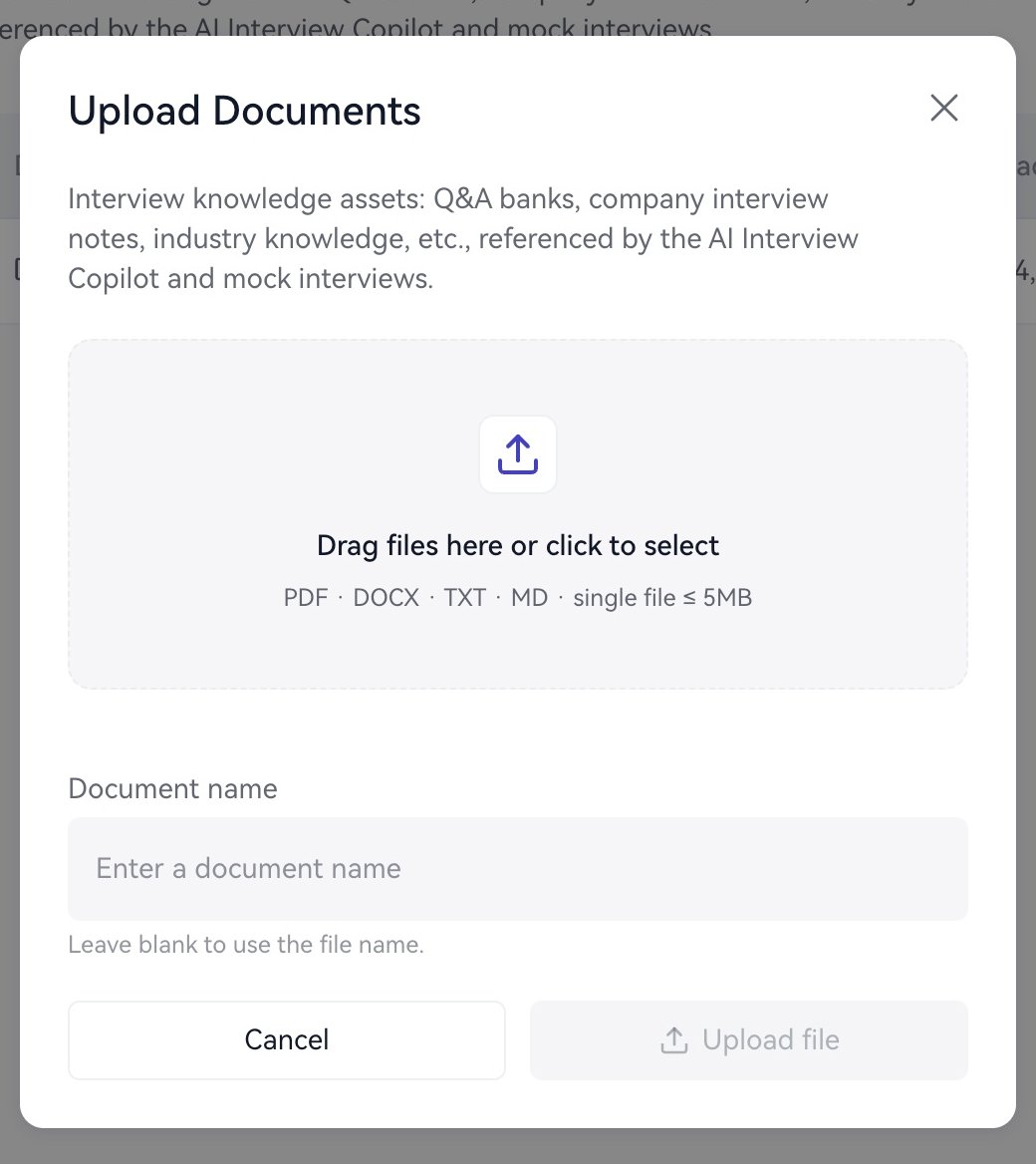
Upload a project brief to the Knowledge Base.