Use End Interview when your practice or interview is complete to finish the session and proceed to its record and report.

End a session

  1. Select Interview duration in the toolbar.
  2. Choose End Interview.
  3. Follow the prompts and wait to return to the workspace.
  4. Check its status in Interview Records, then select View Report.
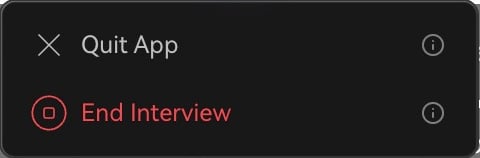
Interview duration menu showing separate Quit App and End Interview actions.

Choose End Interview when the session is complete.

You cannot rejoin an ended session. Return Home and launch a new one to continue practicing.

Rejoin an ongoing session

If you only quit the app, reopen it, find the ongoing session in the workspace, and use the available rejoin action. To finish completely, select Interview duration → End Interview in the assistant. Afterward, review the summary, Q&A, and transcript. Users spending credits can also open Account & Billing → View usage history → Credit usage to check charges. Next: Interview records or Usage.