After launch, the assistant supports audio questions, text input, and on-screen problems.

Main areas

The transcript area shows recognized conversation text and can be expanded or hidden. The answer area shows questions and AI suggestions. While generation is in progress, content continues to appear. Use the previous and next controls to review multiple answers.
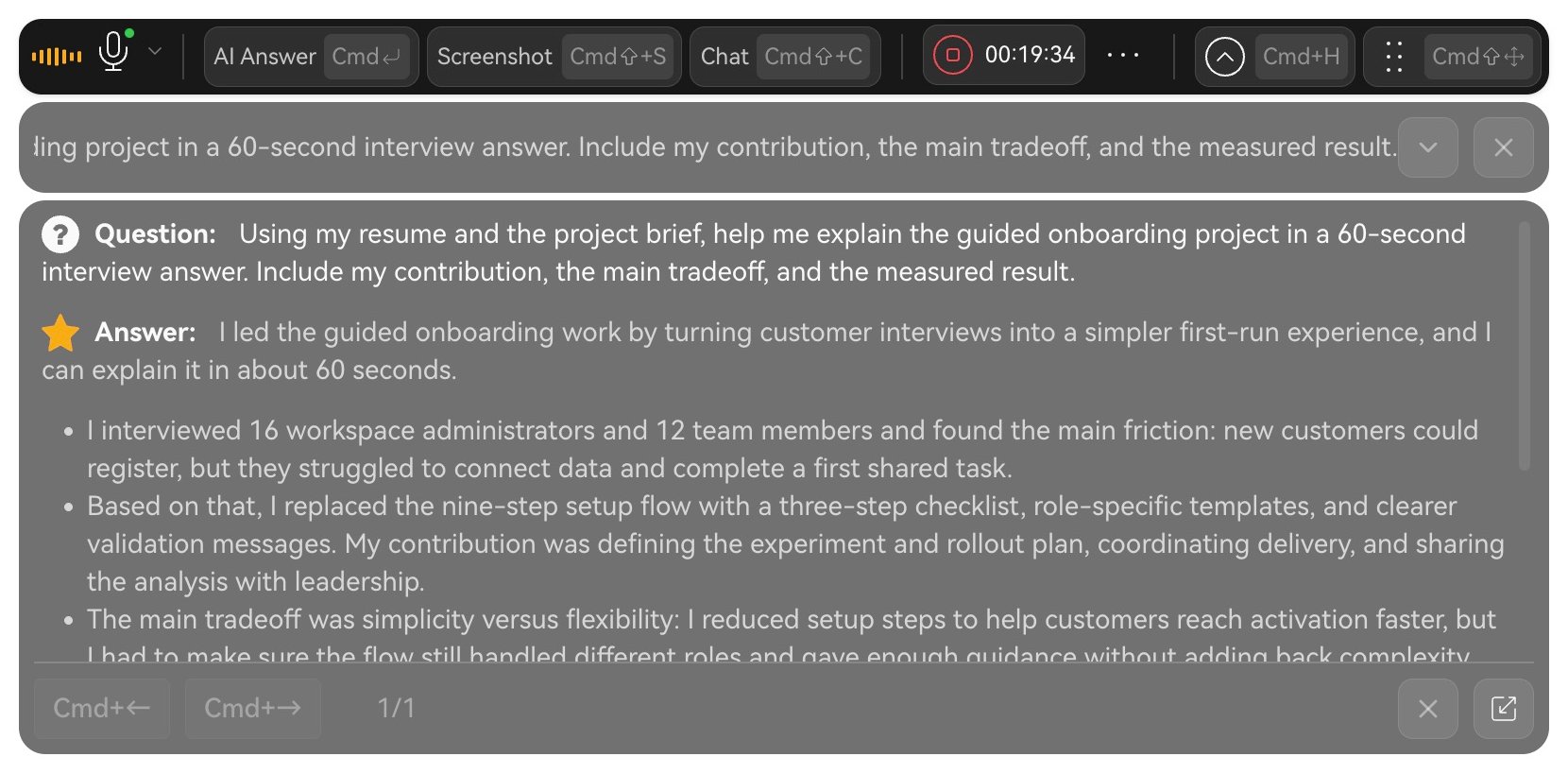
English live assistant showing the toolbar, question, and an answer about a guided onboarding project.

Read the question and AI suggestion in the live assistant.

Choose an input method

Use automatic answering to follow detected questions, AI Answer to control timing, Chat for explicit conditions, or Screenshot for visual material.

Use suggestions

Identify the conclusion, evidence, and key figures, then speak in your own words. Check personal facts against your experience. Answer aloud during practice so you can review your delivery afterward. Next: Audio, Chat, or Screenshots.